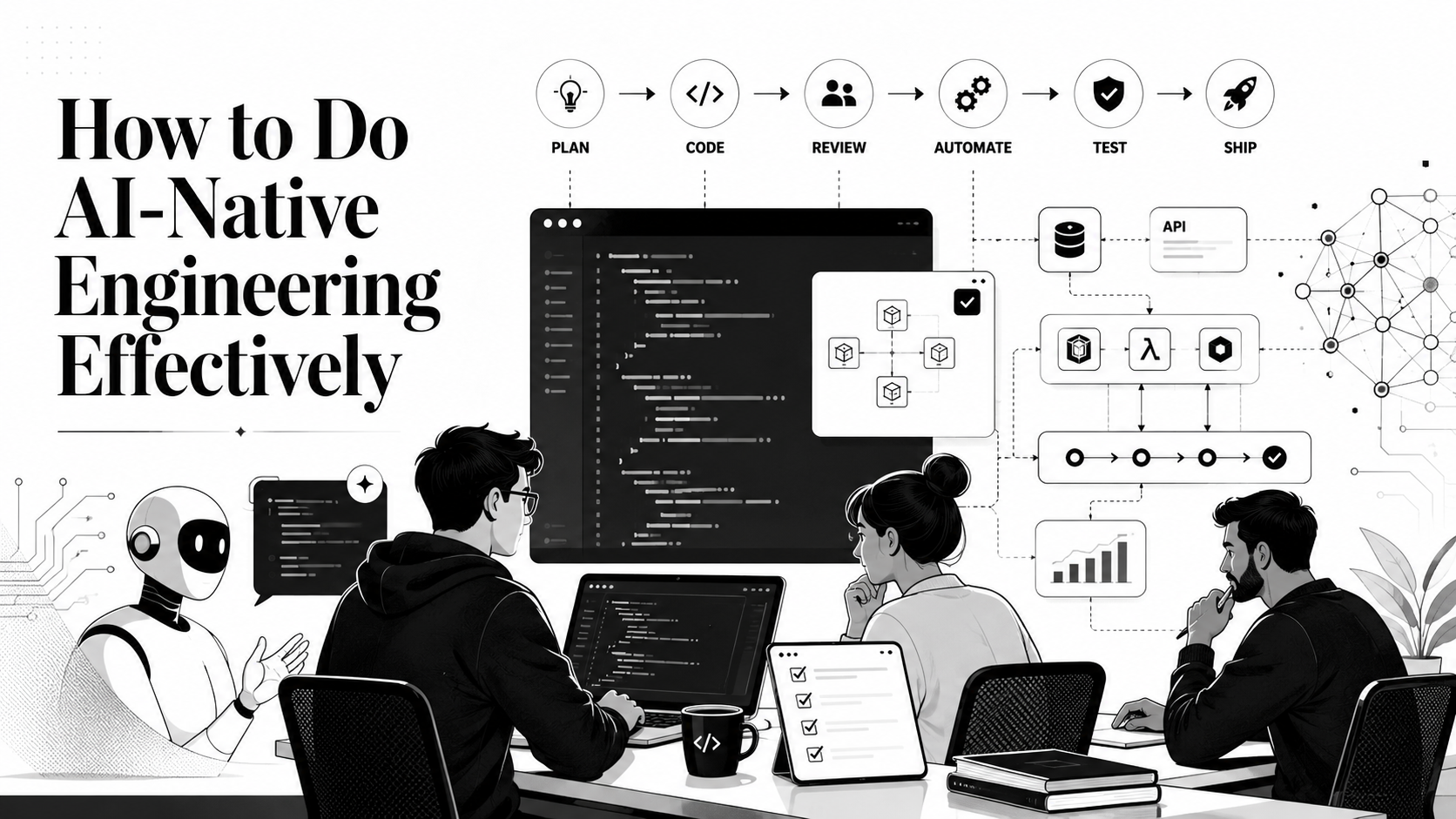
AI is already changing how software gets planned, written, reviewed, and shipped. The interesting question is no longer whether engineers should use it, but what changes when AI becomes part of the engineering process itself.
That shift is bigger than adding a chatbot to the editor. It changes how context is captured, how work is delegated, how decisions are checked, and how teams create feedback loops around the tools they use.
Done well, AI does not sit outside the engineering system as a shortcut or a novelty. It becomes part of how teams understand problems, explore options, make changes, review trade-offs, and verify outcomes.
That is the heart of AI-native engineering: not generating more code for its own sake, but building a workflow that helps teams ship better software with less waste.
What AI-native engineering actually means
AI-native engineering means making AI part of the engineering system instead of treating it as a side tab you open when you get stuck.
It is not measured by how often you use Antigravity, Cursor, Copilot, Claude Code, Codex, or any other tool. It is measured by whether your workflow helps AI produce useful work consistently.
A simple test:
If every task starts with you manually explaining the same architecture, standards, commands, and constraints, the process is not AI-native yet. You are still carrying context by hand.
An effective AI-native engineering workflow has three qualities:
- Context is available. Agents can discover the product architecture, standards, workflows, constraints, and near-term product intent without you retyping them every time.
- Outputs are verifiable. Agents can run tests, inspect errors, compare behavior, and prove whether the change works.
- Humans stay accountable. Engineers still own the design, security, business logic, trade-offs, and final decision to ship.
AI-native engineering is not "let the AI do everything." It is designing the process so humans and agents each do the work they are good at.
Choose tools deliberately
Do not become loyal to the first AI tool that impresses you. Different tools have different strengths.
Some are better for repository-wide edits. Some are better for quick explanation. Some are better at UI iteration. Some are better at long planning sessions. Some expose useful model choices, custom instructions, or agent permissions. Some fit your editor and terminal flow better than others.
Before settling into a workflow, test tools against real work:
- Ask them to fix a failing test in your actual codebase.
- Ask them to explain an unfamiliar module.
- Ask them to implement a small feature using existing project patterns.
- Ask them to review a pull request.
- Ask them to debug from logs.
- Ask them to write or update documentation.
Then judge the result using engineering criteria:
- Did the tool inspect the right files before editing?
- Did it preserve local conventions?
- Did it run the right verification?
- Did it explain trade-offs clearly?
- Did it produce the expected outcome succinctly?
You do not need ten tools in your daily workflow. Usually, one or two primary agents plus a few specialized tools are enough. Depth matters. The more you understand a tool's behavior, the better you can steer it.
For more reading, the GitHub Copilot custom instructions documentation is useful because it shows how modern coding tools are starting to support repository-level guidance instead of relying only on one-off prompts.
Build a strong project harness
The biggest difference between casual AI usage and serious AI-native engineering is the harness.
A harness is the surrounding context, documentation, commands, skills, MCPs, scripts, CLIs, tests, instructions, and templates that help an agent do good work inside your codebase. It is the difference between telling an agent, "fix this bug," and giving it an environment where it can understand the system, make the change, and verify the result.
Think of the harness as an operating manual for both humans and AI agents.
A good harness usually includes:
- Context: The architectural map, product intent, and current state of the codebase.
- Documentation: High-level guides, module deep-dives, and technical decision entries.
- Commands: Verified terminal actions for building, testing, linting, and deployment.
- Skills: Specialized capabilities or tool-specific configurations that guide the agent and extend its utility.
- MCPs: Model Context Protocol servers that bridge the agent to external data and tools.
- Scripts: Custom automation for repository-specific maintenance or complex data tasks.
- CLIs: Domain-specific command-line interfaces that standardize common operations.
- Tests: Comprehensive suites that provide an immediate feedback loop for verification.
- Instructions: Explicit rules, constraints, and guidance that the agent must always follow.
- Templates: Proven patterns for prompts and workflows.
The Cal.com agents harness is a strong example of this approach: it uses a dedicated directory for commands, domain knowledge, and granular rules that keep agents aligned with a complex architecture. For more examples and tools, check out the Best of Agent Harnesses curated list.
Keep the harness alive
A harness becomes dangerous when it goes stale. If the build command changes, update it. If a new architectural boundary appears, document it. If an agent repeatedly makes the same mistake, add a short instruction to prevent it. Automate this by instructing the agent to treate the harness (folder containing all instructions, scripts etc) and documentation as living files; updating them should be a mandatory part of task completion whenever the system they describe evolves.
Write prompts like an engineer
Prompting is not magic writing. It is requirements engineering under uncertainty.
A weak prompt says:
Fix the auth bug.
A better prompt says:
The login flow returns 500 when a valid user signs in with an expired magic-link token.
Return a 401 Unauthorized status with a specific error signature.
Maintain the existing API response schema.
Add a regression test for expired tokens.
Run the relevant test command and summarize the result.
The second prompt works better because it gives the agent:
- the observed behavior
- the expected outcome
- the constraint it must preserve
- the expected verification
- the final reporting format
Good prompts usually include:
- Goal: what outcome you want.
- Constraints: what must not change.
- Acceptance criteria: how you will know the work is done.
- Risk notes: security, performance, data, compatibility, or migration concerns.
The real AI-native shift happens when the best prompts and workflows become reusable templates. This ensures that proven patterns are preserved, documented, and consistently used. Moving from one-off or individual gains to a shared, high-performance output.
Give agents real debugging context
Agents are much better at debugging when they can see evidence.
Instead of saying:
The app is broken in staging.
Give the agent:
- the exact error message
- the stack trace
- the environment
- the recent change
- the expected behavior
- the actual behavior
- any logs, request IDs, or screenshots
- the request or user action that reproduces the issue
For example:
Staging checkout fails after selecting a saved card.
Expected: order confirmation page.
Actual: 502 from POST /api/checkout.
The error started after PR #214.
Relevant log line:
"StripeInvalidRequestError: No such customer: cus_123"
Please inspect the checkout service and customer lookup flow.
Do not change the payment provider contract without explaining why.
That is the difference between asking an agent to guess and asking it to investigate.
Even better, integrate an MCP server or CLI that allows the agent to inspect logs and remote environments directly. AI-native engineering improves when evidence is easy to collect.
Own every line you ship
This is the non-negotiable part: if your name is on the pull request, you own the code.
It does not matter whether you typed it manually, accepted it from autocomplete, generated it from a prompt, or asked an agent to patch the whole feature. You are responsible for the result.
Review AI-generated code with the same seriousness you would use for a teammate's code, and with extra attention to areas where agents can be confidently wrong:
- Business rules: pricing, permissions, eligibility, compliance, and anything that defines how the product actually works.
- Security: authentication, authorization, secrets, tenant boundaries, file access, injection risks, public/private storage, and sensitive logging.
- Data integrity: migrations, idempotency, transactions, retries, partial failure, and duplicate processing.
- Contracts: API responses, event schemas, backward compatibility, and client expectations.
- Performance: N+1 queries, unbounded loops, memory growth, cache invalidation, and expensive work in hot paths.
- Reliability: timeouts, fallbacks, observability, error handling, and behavior under degraded dependencies.
Do not review only the diff. Review the behavior.
Ask:
- What changed?
- What assumptions did the agent make?
- What existing behavior could this break?
- What test would catch the most expensive failure?
- What would happen in production if this code is wrong?
AI can increase output. It should not decrease standards.
Know when to stop prompting
Sometimes the most effective AI-native move is to stop using AI for a moment.
If the agent has misunderstood a small config change twice, edit the file yourself. If you can fix a type error in ten seconds, fix it. If a prompt is becoming longer than the patch, you are probably past the point of useful delegation.
The skill is not "use AI for everything." The skill is choosing the cheapest reliable path to the correct result.
Use agents for:
- exploring unfamiliar code
- brainstorming and planning system architecture
- implementing features
- debugging
- explaining failures
- reviewing for missed cases
Use your own hands for:
- tiny obvious edits
- sensitive business decisions
- final security judgment
- ambiguous product trade-offs
- code or features you cannot yet explain
AI-native engineering is not passive. It is active direction of the work.
Make verification a first-class citizen
An agent without a verification loop is just a high-speed guesser.
If you are not checking the output, you are not engineering. You are hoping. For a small logic tweak, that might mean running a single unit test. For a UI shift, it means opening the browser and poking at the layout. For infrastructure or routing changes, it means running a full production build to ensure nothing breaks in the pipeline.
Do not leave verification to chance; bake it into the instructions:
1. Immediately run the focused test file or lint command.
2. If that passes, run the full suite or trigger a local build.
3. If the command fails because of your change, iterate and fix it.
4. If it fails for an unrelated reason, stop and report the exact trace.
Verification is where AI-native engineering becomes engineering again. It turns generated output into tested behavior.
Use AI across the full delivery lifecycle
AI-native engineering is bigger than local coding.
Agents can help across the whole software lifecycle:
- Planning: clarify requirements, list edge cases, compare implementation paths, and turn product notes into tasks.
- Development: inspect the codebase, implement changes, write tests, and update docs.
- Review: identify risky assumptions, missing tests, security concerns, and contract changes.
- CI/CD: explain failing checks, suggest fixes, and summarize release risk.
- Operations: analyze logs, group incidents by likely cause, draft runbooks, and propose monitoring gaps.
- Learning: explain unfamiliar systems, compare patterns, and help teammates onboard.
The important part is to connect these stages. A bug found in production should improve tests. A repeated review comment should become a harness rule. A confusing onboarding question should become documentation. A fragile prompt should become a clearer workflow.
That feedback loop is where the real productivity gain lives.
Stay curious and share what works
The AI tooling space changes quickly. Models improve, context windows shift, agent capabilities expand, and better practices will keep emerging as teams learn what actually works.
Stay close to the sources:
- official product docs
- release notes
- engineering blogs and talks
- open-source repos using agent instruction files well
- teammates who are getting real results
Also share your own practice. Write down what worked, what failed, and what changed. The fastest way to improve an AI-native workflow is to make it visible enough that other engineers can learn from it and improve it.
The takeaway
AI-native engineering is not about chasing every new tool or becoming a new kind of developer. It is about building a disciplined workflow around powerful, imperfect systems.
Choose tools carefully. Build a living harness. Prompt with context and constraints. Give agents real debugging evidence. Review generated code like you own it, because you do. Verify behavior before shipping. Keep improving the workflow as the product and tools evolve.
When you do that, AI stops being a novelty and becomes part of the engineering system: fast, useful, bounded, and accountable.